
JuggleIM provides an installation tool for deploying the IM service in a Private Cloud environment.
This guide covers standalone and cluster deployments, including server preparation, installation, and service ports.
Create an Application
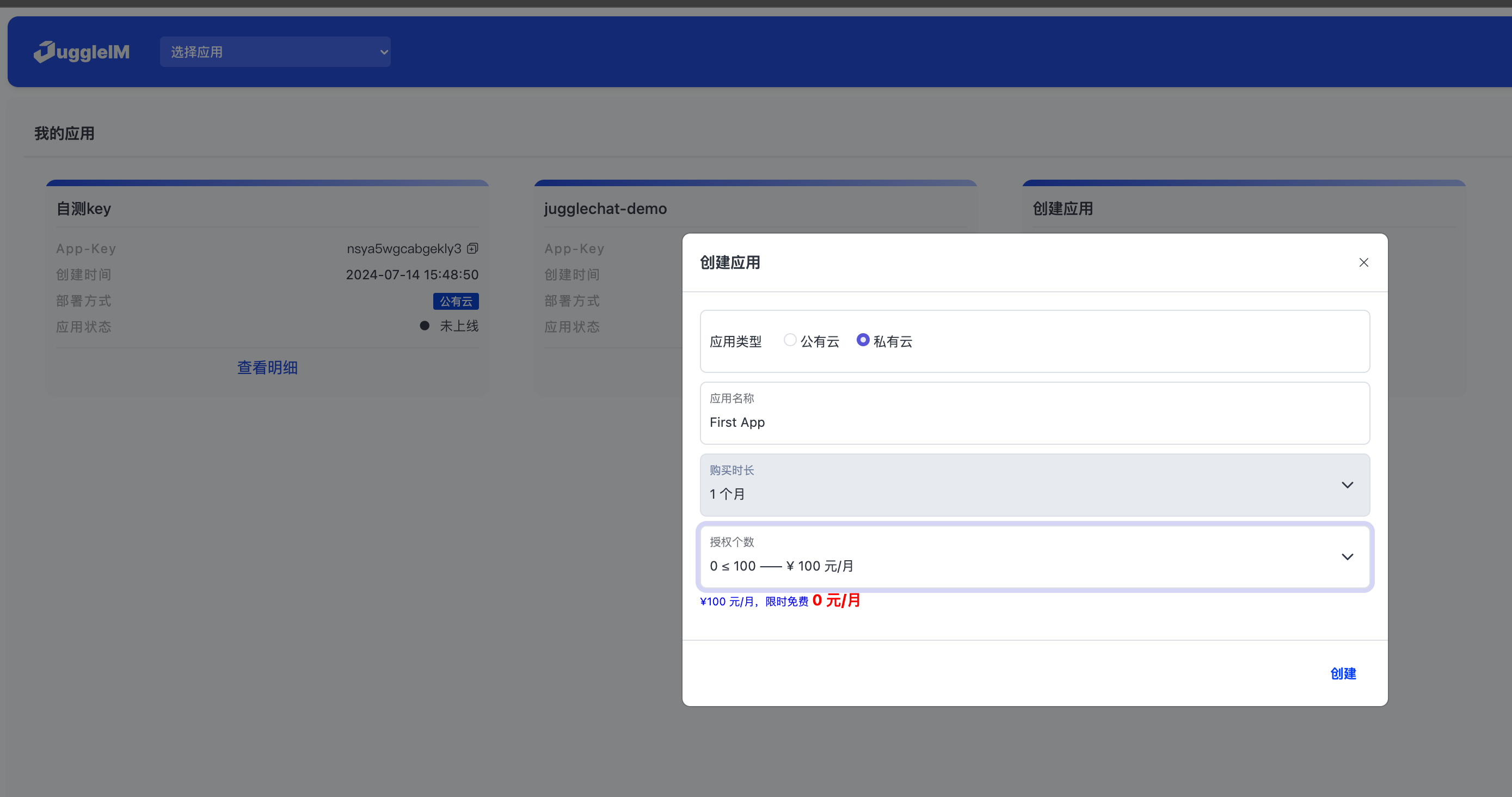
Sign in to the Admin Console, select Create Application, choose a suitable plan, and create a Private Cloud application.
Install and Deploy
Download the Installation Tool
wget https://downloads.juggle.im/server/linux/amd64/juggleim.ctl
Generate an Installation License
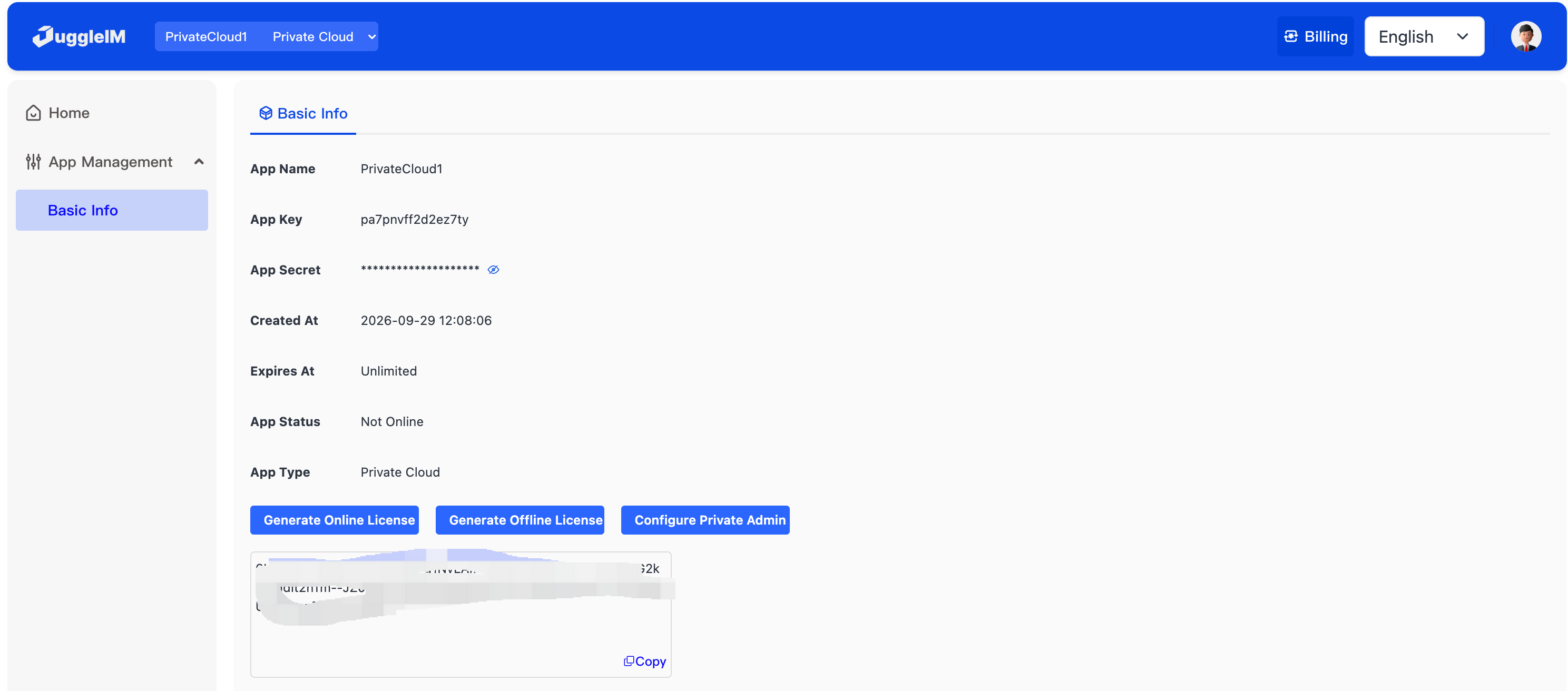
Install the Standalone Edition
- Prepare a server with the following specifications:
Operating system: Linux; CentOS 7/8 or Ubuntu 18.04 is recommended.
Hardware: 4 CPU cores, 8 GB memory, and 200 GB disk space.
- Sign in to the server over SSH, then run the following command to download the installation script.
wget https://downloads.juggle.im/server/linux/amd64/juggleim.ctl && sudo chmod u+x juggleim.ctl

- Run the following command to install the service.
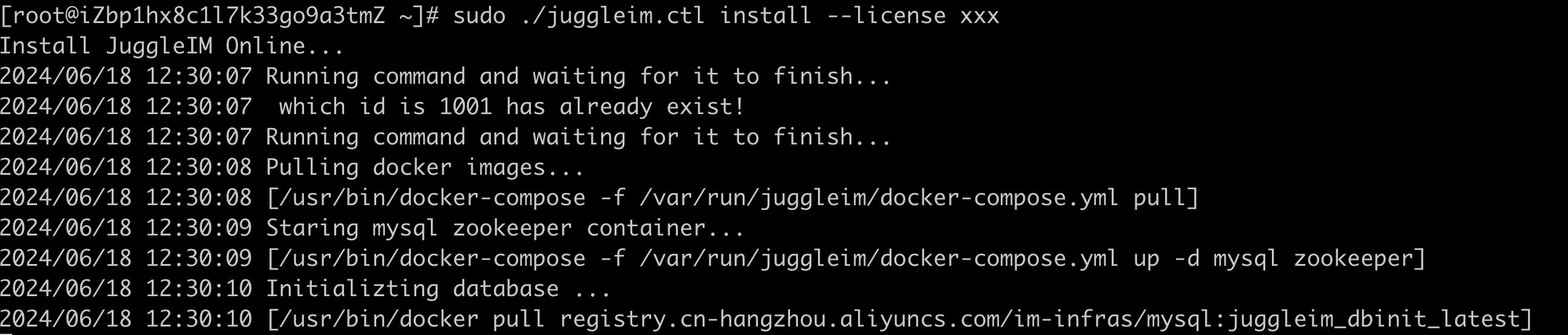
sudo ./juggleim.ctl install --license {INSTALL_LICENSE}
Installation in progress:
Installation complete:
- Sign in to the Private Cloud Admin Console.
Install the Cluster Edition
Prepare at least three servers. Use the same server specifications as the standalone edition.
Sign in to one server and configure its SSH access to the other hosts. The following example uses three servers:
| Host name | IP | |
|---|---|---|
| server1 | 172.16.111.152 | |
| server2 | 172.16.111.153 | |
| server3 | 172.16.111.154 |
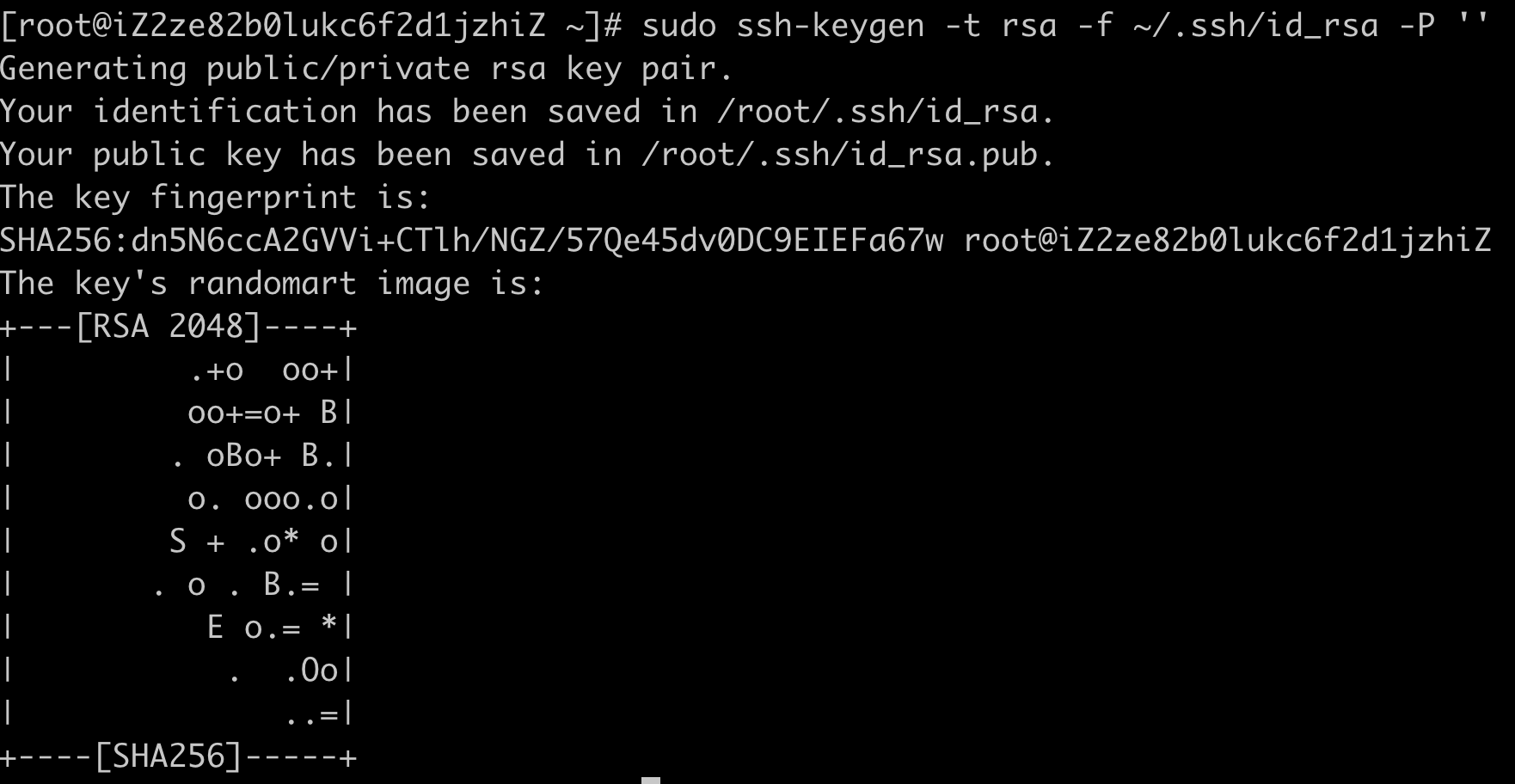
1) Sign in to server1 and run the following command to generate an SSH key pair:
sudo ssh-keygen -t rsa -f ~/.ssh/id_rsa -P ''
For example:
2) Run the following command, then run its output on each of the three servers:
sudo echo "sudo echo \"`cat ~/.ssh/id_rsa.pub`\" >> ~/.ssh/authorized_keys"
Example output:

Run on server1:

Run on server2:

Run on server3:

- Sign in to
server1to start installation.
Download the installation tool:
wget https://downloads.juggle.im/server/linux/amd64/juggleim.ctl && sudo chmod u+x juggleim.ctl

Start installation:
sudo ./juggleim.ctl install --hosts "172.16.111.152,172.16.111.153,172.16.111.154" -license {INSTALL_LICENSE}
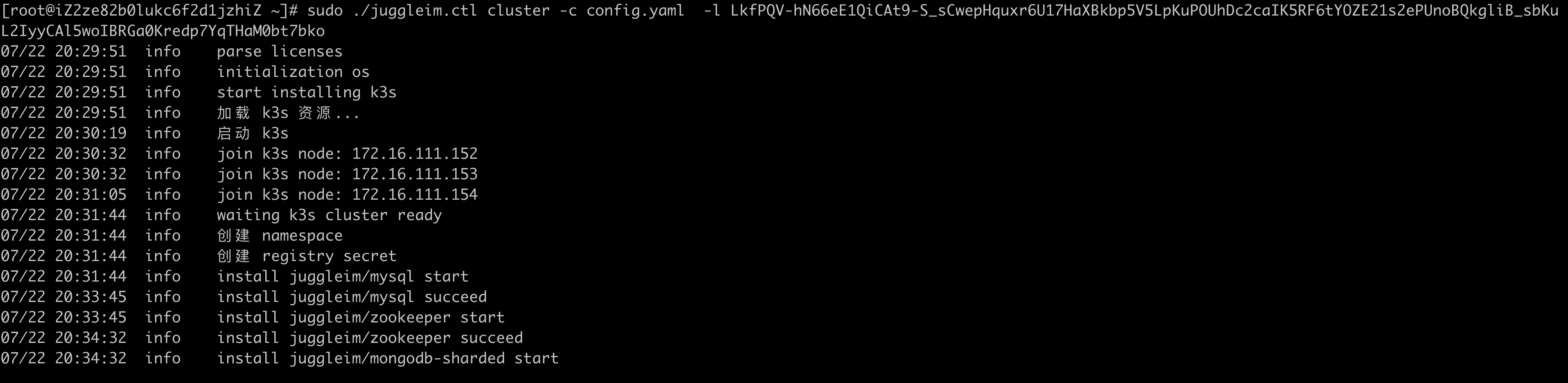
Installation complete:
- Default IM service ports
| Port | Protocol | Description |
|---|---|---|
| 9003 | websocket | Used by client SDKs to establish persistent connections to the IM service. Pass this address when initializing the SDK. |
| 8082 | http | Server API listener, called by the application backend to obtain tokens, create groups, and perform other administrative operations. |
| 8090 | http | IM Admin Console address. The default username/password is admin/123456. |